
The updated Network Monitor is now called the Render Queue in KeyShot 2026.1 and is easily accessed via KeyShot itself
Prerequisites
- KeyShot 2026.1
- Network Rendering 2026.1
Procedure
With Network Rendering 2026.1, you no longer need to install the Network Rendering Configuration software to access the Monitor on the user's computer. The Network Monitor has been renamed the Render Queue and is now included with KeyShot 2026.1 directly.
You can launch the Render Queue by searching for it using the Search Function on the computer or you can also launch it directly through KeyShot.
To launch it directly in KeyShot, go to the navigation menu in the top right of KeyShot above the Project Panel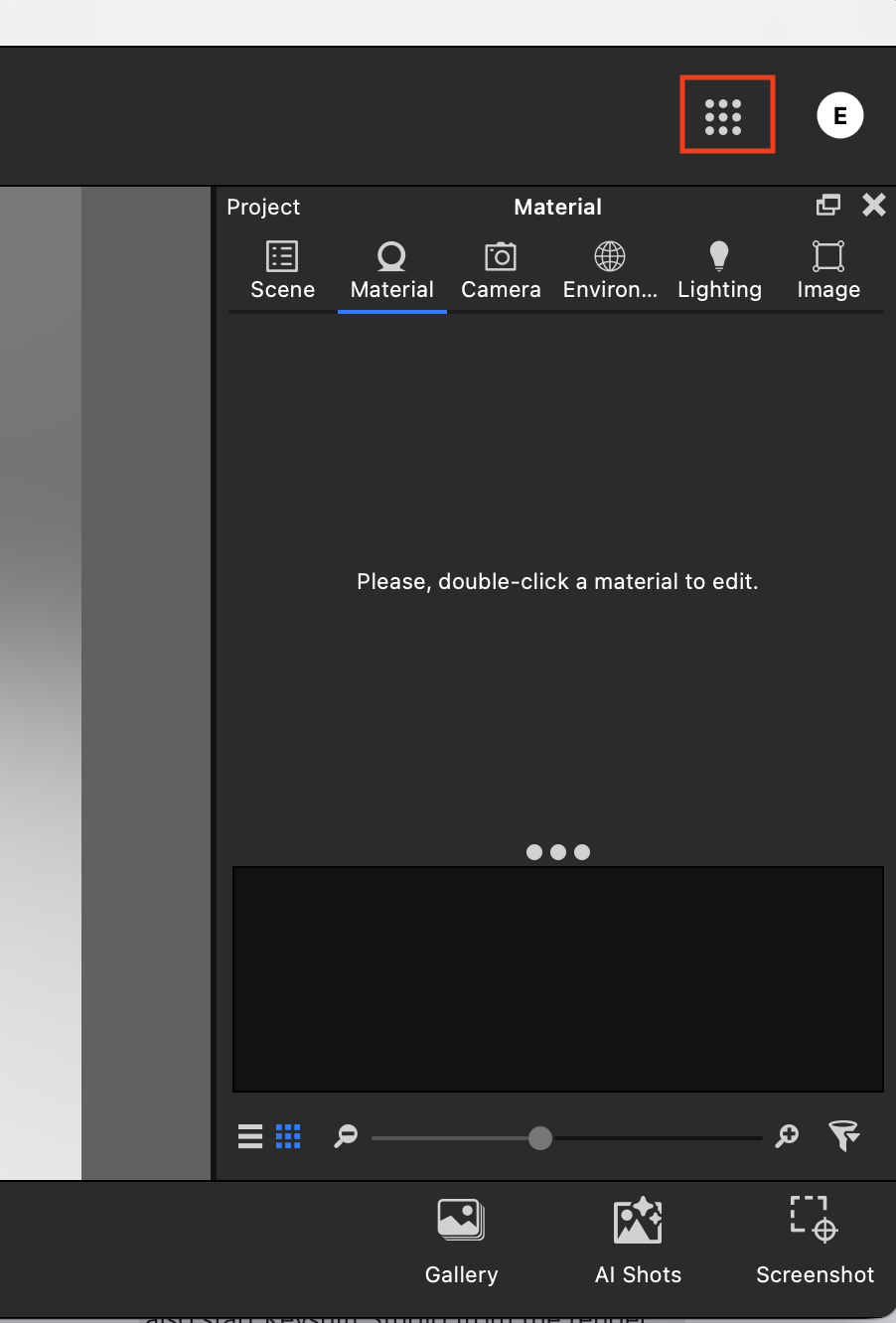
Once you select the Navigation menu, it will provide you with the option to select 'Render Queue'
Selecting this will launch the Render Queue. You can enter your connection settings as usual once it is launched.
If you have any issues or any questions, feel free to open a Support ticket in the Support Portal.